If “we have antivirus installed” is the full extent of your business’s endpoint security, it’s worth knowing what that actually protects against these days — and, increasingly, what it doesn’t. Antivirus was built to catch known malicious files. A growing share of modern attacks simply don’t use files at all.
That gap is exactly what endpoint detection and response (EDR) is built to close. It’s become a standard recommendation in cybersecurity conversations, but the term itself rarely gets explained clearly. Here’s what EDR actually is, how it’s genuinely different from antivirus, and how to think about whether your business needs it.
What Is EDR, and Do You Need It?
EDR (Endpoint Detection and Response) is security software that continuously monitors devices for suspicious behavior — not just known malicious files — and can automatically respond by isolating a compromised device before an attack spreads. Most businesses handling sensitive data, remote work, or any meaningful online exposure benefit from it, since a growing majority of modern attacks are specifically designed to slip past traditional antivirus.
What Is EDR, Exactly?
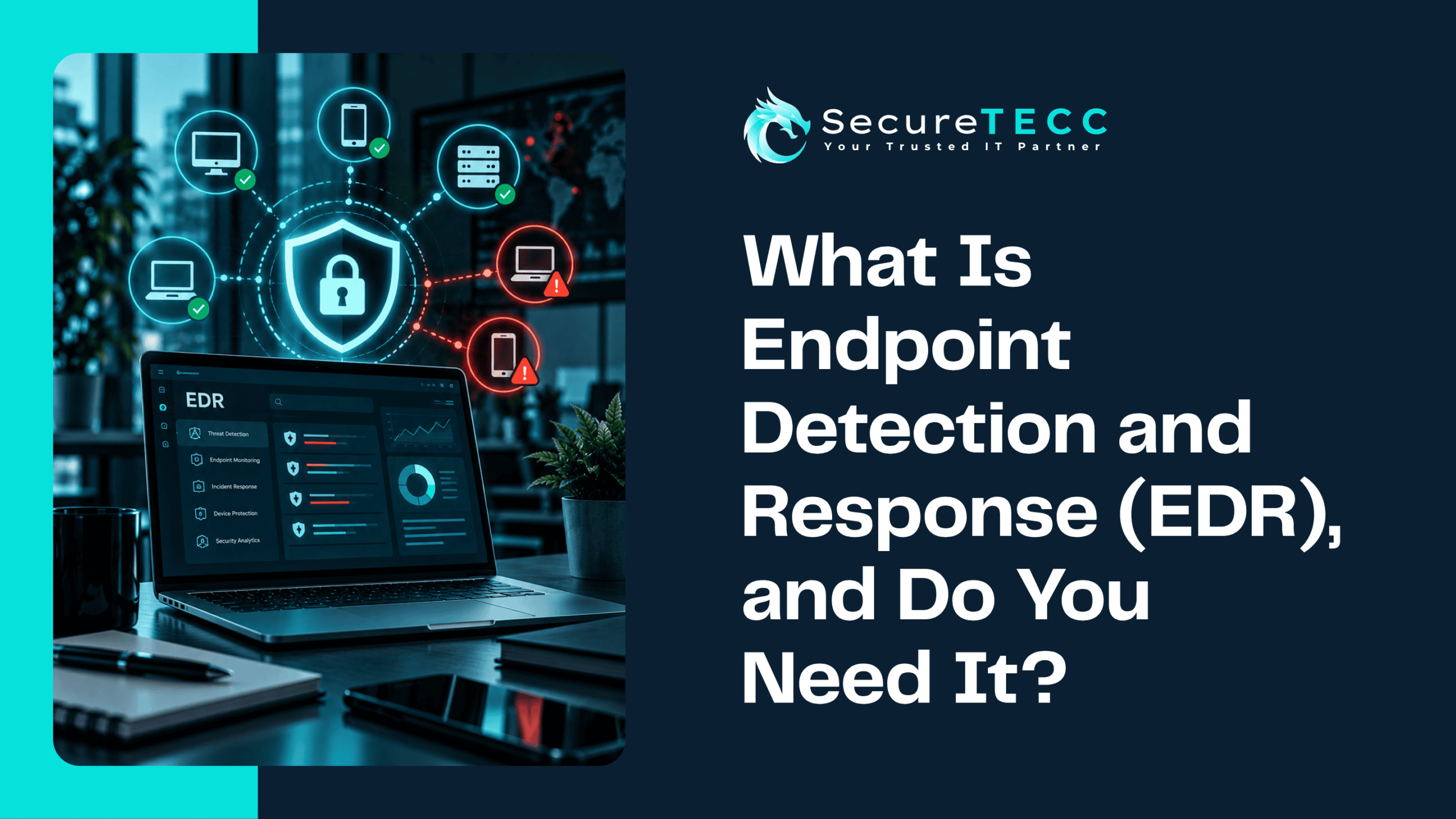
Endpoint detection and response is security software installed on devices — laptops, desktops, servers — that continuously monitors activity for suspicious behavior, rather than just scanning files against a list of known threats. When it spots something that looks like an attack in progress, it can automatically respond: isolating the affected device from the network, stopping a malicious process, and alerting whoever’s monitoring it, often before the threat has a chance to spread further.
How Is EDR Actually Different From Antivirus?
Traditional antivirus works by comparing files on a device against a database of known malware signatures — if a file matches something already identified as malicious, it gets blocked. This works well against known, previously catalogued threats, but it has a fundamental blind spot: anything that doesn’t match a known signature can slip right past it.
EDR takes a different approach entirely. Instead of asking “does this file match something bad we already know about,” it asks “is this behavior suspicious” — monitoring for patterns like a program trying to access files it shouldn’t, unusual network connections, or a process attempting to disable security tools. That distinction matters enormously given how attacks have actually changed.
Why Doesn’t Antivirus Alone Catch Everything Anymore?
This is the part that’s shifted dramatically in just the past couple of years. CrowdStrike’s 2026 Global Threat Report found that 82% of detected attacks in 2025 involved no traditional malware file at all — attackers instead used stolen credentials, trusted administrative tools already installed on the system, and legitimate software to carry out the attack. Signature-based antivirus, built specifically to catch malicious files, simply isn’t designed to flag “someone logging in with a valid password and using a tool that’s supposed to be there.”
This is sometimes called “living off the land” — attackers using what’s already on a system rather than introducing obviously malicious software, specifically to stay invisible to tools that only look for known bad files.
What Does EDR Actually Do When It Catches Something?
Detection is only half of what EDR provides — the “response” half matters just as much. When EDR identifies suspicious activity, it can typically:
- Isolate the affected device from the rest of the network, so an attacker can’t move laterally to other systems
- Stop the malicious process automatically, without waiting for a person to intervene
- Generate a detailed alert with context about what happened, so whoever’s monitoring can investigate quickly rather than starting from nothing
- Preserve forensic detail about the incident, useful for understanding exactly how an attacker got in and what they touched
That automated first response matters because of how fast modern attacks move — the window between initial access and an attacker spreading deeper into a network has shrunk to a matter of minutes in many cases, leaving very little time for a purely manual response.
Do You Actually Need EDR, or Is Antivirus Enough?
Antivirus still has a role — it efficiently catches known, commodity threats without much overhead. But relying on it alone means accepting a significant blind spot against the kind of credential-based, “living off the land” attacks that now make up most of what’s actually happening. A few signs point toward EDR being a meaningful upgrade rather than an unnecessary expense:
- Your business handles sensitive client, financial, or health data
- You have remote or hybrid employees connecting from outside a controlled office network
- You’ve had a security scare, even a minor one, that made you question what your current setup would have actually caught
- You don’t currently have visibility into what’s actually happening on your devices beyond “the antivirus hasn’t flagged anything”
EDR typically costs more per device than basic antivirus — but that cost is worth weighing against what a successful, undetected breach actually costs in downtime, recovery, and lost trust, not against antivirus’s sticker price alone.
What Should You Actually Look for in an EDR Solution?
Not all EDR tools are equally capable. Worth prioritizing:
- Behavioral detection, not just signature matching — the entire point of EDR is catching what antivirus misses
- Automated response capability — isolating a threat in seconds matters more than a detailed alert that sits unread for hours
- Active monitoring behind it — EDR generates alerts; someone (or some service) actually needs to be watching and responding to them
- Integration with your broader security setup — working alongside firewalls, email security, and backups rather than operating in isolation
What Might This Look Like for a Real Business?
Picture a business running standard antivirus that hasn’t flagged anything in months — which feels reassuring, right up until an employee’s valid credentials get used by an attacker who logs in normally and starts using legitimate admin tools to explore the network. None of that triggers antivirus, because nothing about it looks like a malicious file. With EDR in place, the unusual behavior pattern — an account suddenly accessing systems it never normally touches, at an unusual hour — gets flagged and the affected device gets isolated automatically, often before any real damage is done. Without it, that same activity can continue undetected for days.
How SecureTECC Approaches This
SecureTECC’s Cybersecurity services include endpoint protection and real-time threat monitoring built around exactly this gap — not just stopping known bad files, but actively watching for the behavior patterns that signature-based tools alone will always miss.
Frequently Asked Questions
Does EDR replace antivirus entirely?
Not necessarily — many modern security setups combine both, since antivirus still efficiently handles known, commodity threats while EDR covers the more sophisticated, behavior-based attacks that slip past it. Some EDR platforms include antivirus-style functionality built in as well.
Is EDR only necessary for large companies?
No — small businesses are frequently targeted precisely because attackers assume weaker defenses are in place, and “living off the land” attacks don’t care about company size, only about whether valid credentials and access can be obtained.
Can EDR stop an attack completely on its own, with no human involvement?
It can take automated first-response actions like isolating a device, but effective EDR generally still benefits from active monitoring by a person or managed service — automated detection paired with a human reviewing and responding to alerts is more reliable than automation alone.
How is EDR different from a firewall?
A firewall controls traffic entering and leaving your network at its edge; EDR monitors activity on individual devices after something is already inside. They address different parts of a layered security approach and work best together, not as substitutes for each other.
Will adding EDR slow down our computers?
Modern EDR solutions are generally designed to run with minimal performance impact, especially compared to older, heavier security software — though actual impact can vary somewhat by vendor and device specifications.
The Bottom Line
Antivirus alone was built for a threat landscape that’s largely moved on — a growing majority of attacks now avoid traditional malware files entirely, specifically to stay invisible to tools designed only to catch them. EDR closes that gap by watching behavior instead of just files, which is exactly the kind of protection most businesses with any real online exposure now need.
Not sure whether your current endpoint protection would actually catch a modern attack? Book a free consultation with SecureTECC Solutions — no pressure, no obligation.