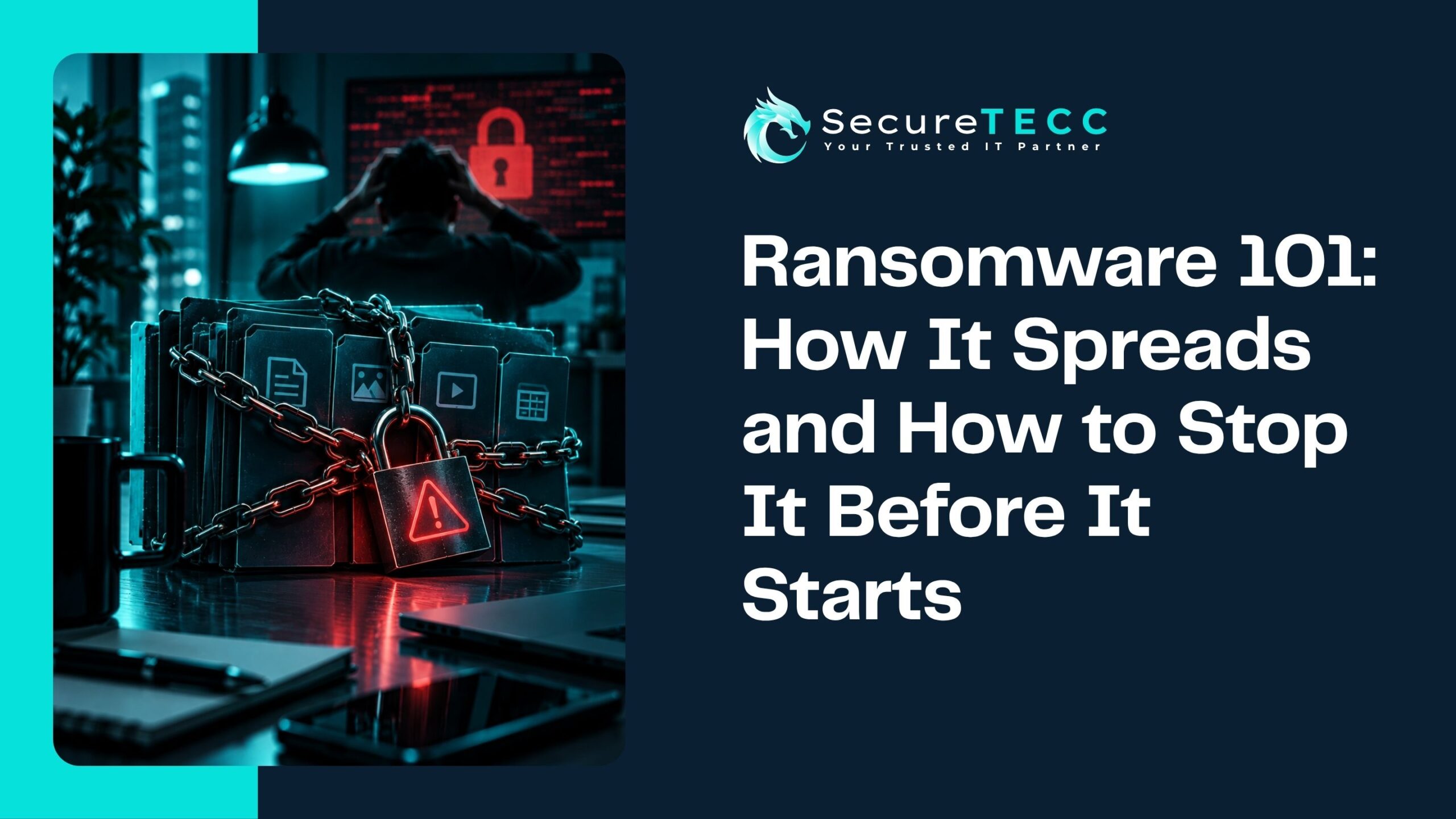
By the time a ransom note actually appears on a screen, the attack is already mostly over. That moment — files locked, a demand for payment — is the very end of a process that, according to CrowdStrike’s 2026 Global Threat Report, now takes attackers an average of just 29 minutes from first getting into a network to moving deeper inside it. In the fastest recorded case, it took 27 seconds.
Ransomware isn’t a single event. It’s a chain of steps, each one depending on the one before it — and each one is also a point where it can be stopped. Understanding that chain is what turns “install antivirus and hope” into an actual defense strategy. Here’s how ransomware really spreads through a network, stage by stage, and what actually interrupts it at each point.
How Does Ransomware Actually Spread Through a Network?
Ransomware spreads in stages: attackers first gain initial access (usually through phishing, stolen credentials, or an unpatched vulnerability), then move laterally through the network to find valuable systems and disable backups, and only then deploy the actual encryption. Stopping ransomware effectively means addressing each of these stages separately, not just hoping antivirus catches the final step.
What Is Ransomware, Exactly?
Ransomware is malicious software that encrypts a victim’s files or systems, making them inaccessible until a ransom is paid for the decryption key. Modern ransomware attacks increasingly involve “double extortion” as well — attackers don’t just lock your data, they steal a copy first and threaten to publish it, giving victims a second reason to pay even if backups make recovery possible.
Stage 1: How Does Ransomware Actually Get In?
Every ransomware attack starts with initial access — attackers getting a foothold inside a network. The most common paths in are consistent year over year:
- Phishing — an employee clicks a malicious link or opens an infected attachment, giving attackers a starting point
- Stolen or reused credentials — a leaked password from an unrelated breach, reused on a business account, used to log in directly
- Unpatched vulnerabilities — known software flaws that haven’t been fixed. Verizon’s 2026 Data Breach Investigations Report found that vulnerability exploitation has overtaken stolen credentials as the single most common way attackers break in, now involved in 31% of breaches
- Exposed remote access — an internet-facing remote desktop connection or VPN that wasn’t properly secured
This stage is quiet by design. There’s rarely an obvious sign anything happened — which is exactly why it’s so often missed until much later.
Stage 2: What Happens Between “Got In” and “Everything’s Encrypted”?
This is the stage most people don’t picture when they think about ransomware, and it’s arguably the most important one to understand. Once inside, attackers don’t immediately start encrypting files. First, they explore — scanning the network for valuable systems, harvesting additional credentials, and quietly working their way toward wider access. This is called lateral movement, and it’s happening faster than ever: CrowdStrike’s 2026 Global Threat Report found the average time from initial access to lateral movement dropped to 29 minutes in 2025, down from 48 minutes the year before — a pace that leaves very little room for a slow response.
This stage is also where attackers typically locate and disable backup systems before anyone notices anything is wrong — setting up the next stage before deploying the actual ransomware.
Stage 3: Why Do Attackers Go After Backups Specifically?
A business with solid backups has real leverage against a ransomware demand — recovery doesn’t depend on paying. Attackers know this, which is why disabling, deleting, or encrypting backup systems has become a standard part of a ransomware attack, not an afterthought. This is exactly why a backup that’s easily reachable from the same network it’s protecting is far more vulnerable than one that’s properly isolated or immutable (unable to be altered or deleted, even by someone with network access).
Stage 4: Encryption and the Ransom Demand
Only once attackers have explored the network, escalated their access, and dealt with backups does the actual encryption happen — often across as many systems as possible, simultaneously, to maximize disruption and pressure. This is the moment most people associate with “a ransomware attack,” but by the time it happens, the attacker has typically already had extensive, undetected access to the network for a period beforehand.
Why Does Understanding This Process Actually Matter?
Because each stage represents a different opportunity to stop the attack — and a defense strategy that only addresses one stage leaves the others wide open. A business with great email filtering but no monitoring for lateral movement is still exposed once an attacker gets in through any other path. Effective ransomware defense means having something in place at every stage, not just the first one.
How Do You Actually Stop Ransomware at Each Stage?
Mapping defenses to the actual stages of an attack looks like this:
- Stopping initial access: multi-factor authentication, regular patching, employee phishing awareness, and properly secured remote access
- Catching lateral movement: network segmentation (so a single compromised device doesn’t have a clear path to everything else), and active monitoring that flags unusual internal activity — not just traffic at the network’s edge
- Protecting backups: immutable, offline, or otherwise isolated backups that can’t simply be deleted by whoever has already gained network access
- Limiting damage from encryption: a tested incident response plan, so the first hours of an actual incident are spent executing a plan rather than figuring one out
What Might This Look Like for a Real Business?
Picture a mid-sized business where an employee’s credentials get phished on a Friday afternoon. Without monitoring for internal, unusual activity, the attacker spends the weekend quietly moving through the network, locating the backup server, and disabling it — all before anyone’s even back at their desk Monday morning. By the time encryption hits Monday at 9 a.m., the business has no clean backup to fall back on. A business with segmented networks and monitoring in place for unusual internal movement would likely have caught the activity well before the weekend was over — turning a business-ending event into a contained incident.
How SecureTECC Approaches This
SecureTECC’s Cybersecurity services are built around this exact multi-stage reality — real-time monitoring designed to catch activity inside the network, not just at its edges, paired with immutable Backup & Data Recovery solutions specifically designed to survive an attacker who’s already gained access. Defending against ransomware effectively means covering the whole chain, not just the front door.
Frequently Asked Questions
If antivirus software is installed, does that stop ransomware?
Antivirus can catch some threats, particularly at the initial access stage, but modern ransomware increasingly uses legitimate tools and valid stolen credentials during lateral movement — activity that doesn’t look like traditional malware and can slip past antivirus entirely.
How long does a full ransomware attack actually take from start to finish?
It varies, but the trend is toward much faster attacks — with lateral movement now averaging under 30 minutes in recent industry data. Some attacks unfold within hours; others involve attackers sitting quietly in a network for longer before striking.
Can a business really recover without paying the ransom?
Yes, if backups are properly isolated and weren’t compromised during the attack — recovery becomes a matter of restoring from backup rather than negotiating with an attacker, which is exactly why protecting backups specifically matters so much.
Is network segmentation really necessary for a small business?
It’s one of the more effective tools for limiting how far an attacker can move after an initial breach, and it scales down reasonably well even for smaller networks — it doesn’t require enterprise-level infrastructure to implement meaningfully.
What’s the single most important stage to defend against?
There isn’t one — a strong defense needs coverage at every stage, since attackers only need one weak point to get in, and a business that’s only hardened its front door is still exposed everywhere else.
The Bottom Line
Ransomware isn’t a single moment of bad luck — it’s a multi-stage process, and understanding that process is what makes real prevention possible. Stopping it isn’t about one tool or one training session; it’s about having something in place at every stage an attacker has to move through, from the first click to the final encryption.
Not sure whether your current setup actually covers every stage of this chain? Book a free consultation with SecureTECC Solutions and we’ll walk through it together — no pressure, no obligation.