


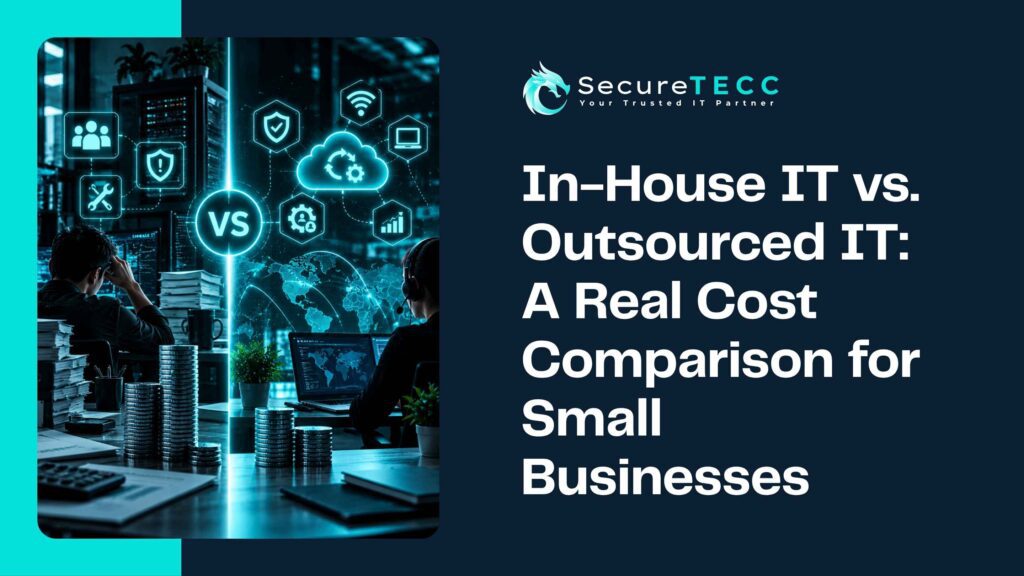
When a business starts weighing an IT hire against an outside provider, the numbers on the table rarely match. On one side is a salary from a job posting. On the other is a monthly invoice from a provider. They look comparable, but one of them leaves out roughly a third of what the business would actually pay, and neither says anything about what each option does or doesn’t cover.
A fair comparison takes a little arithmetic, and the arithmetic is mostly public. Here’s how to work out what an in-house IT employee really costs, how to line it up against an outsourced quote, and when each option makes sense. We won’t claim outsourcing is cheaper in every situation, because it isn’t.
Is In-House IT or Outsourced IT Cheaper for a Small Business?
For many small businesses, outsourced IT often costs less than a full-time in-house hire once you count benefits, tools, coverage gaps, and the range of skills one person can’t cover. In-house can win for larger teams or specialized, on-site-heavy needs, and a co-managed setup often fits the middle.
What Does an In-House IT Employee Actually Cost?
Start with pay. According to the Bureau of Labor Statistics, the median annual wage in May 2025 was $61,860 for computer user support specialists and $76,220 for computer network support specialists, and $99,130 for network and computer systems administrators. Those are national medians, and wages in California tend to run above them.
Salary isn’t what the business pays, though. BLS employer-cost data shows that for full-time private-industry workers, wages and salaries made up 68.5% of total employer compensation costs in June 2026, with benefits making up the other 31.5%. Benefits here include paid leave, insurance, retirement contributions, bonuses, and legally required costs like payroll taxes. Working backward, that adds roughly 46 cents for every dollar of wages. Applied to those medians:
- User support specialist: $61,860 in wages becomes roughly $90,000 in total employer cost
- Network support specialist: $76,220 becomes roughly $111,000
- Network and systems administrator: $99,130 becomes roughly $145,000
These are estimates built from national averages, not a quote for any specific hire. The benefits share is an average across all private-industry jobs, and your actual figure depends on your benefits package. But the point holds: the true cost of an employee is meaningfully higher than their salary.
What Costs Aren’t in Those Numbers?
The figures above cover compensation only. An in-house IT person also brings costs that don’t show up in wage data:
- Recruiting and onboarding, advertising, interviewing time, and a ramp-up period before they know your environment
- Tools and licenses, monitoring, remote support, security, and ticketing software that an outside provider typically spreads across many clients
- Training and certifications, keeping skills current in a field that changes constantly
- Management time, someone has to supervise, review, and prioritize the work, which is awkward when the business owner isn’t technical
- Replacement risk, if the person leaves, the knowledge of how your systems are set up often leaves with them
How Do You Compare That Against an Outsourced Quote?
Outsourced IT is commonly priced as a flat monthly fee based on users or devices, so the comparison is straightforward once you have a written quote. We won’t offer market price ranges here, because they vary widely with scope and we’d rather you compare real quotes. Instead, use break-even math: divide the loaded cost of the in-house option by 12.
- A roughly $90,000 hire works out to about $7,500 a month
- A roughly $111,000 hire works out to about $9,300 a month
- A roughly $145,000 hire works out to about $12,100 a month
If an outsourced plan covering your whole team comes in below the figure that matches the role you’d otherwise hire, outsourcing is cheaper on paper. Then ask the second question: what does each option actually cover?
What Does One Employee Not Cover?
This is where the comparison often tilts. A full-time employee works around 40 hours of a 168-hour week, which is roughly 24% of the hours in which something could go wrong. Paid leave is part of normal compensation too, which means vacations, holidays, and sick days leave the business uncovered unless someone fills in. Beyond hours, there’s breadth. IT spans help desk, networking, cybersecurity, backups, and strategy, and one person rarely excels at all of them. And a single employee is a single point of failure: if they’re out, on vacation, or gone, there may be nobody who knows your environment.
When Does In-House IT Make More Sense?
Outsourcing isn’t automatically the right call. An in-house hire can be the better choice when:
- Your team is large enough that there’s a full-time workload every day, not just a part-time one
- You run specialized or proprietary systems that need deep, day-to-day familiarity
- Your operations need someone physically present most of the time
- You want IT knowledge embedded in the culture and in day-to-day business decisions
What About a Hybrid, Co-Managed Approach?
For many growing businesses, the answer isn’t either-or. In a co-managed arrangement, an internal person or small team handles day-to-day needs while an outside provider fills the gaps: after-hours monitoring, security, backups, specialized projects, and coverage when the internal person is away. You keep the institutional knowledge and on-site presence without paying for a full department.
How Do You Run the Numbers for Your Own Business?
- Estimate the loaded cost of the role you’d hire, using local salary data and adding roughly 46 cents per dollar of wages as a starting point
- Add the extras: tools, training, recruiting, and a realistic allowance for management time
- Divide by 12 to get a monthly figure you can compare against quotes
- Get two or three written quotes for outsourced or co-managed support, and compare what’s included, not just the total
- Weigh coverage and risk: after-hours needs, backup for vacations, and what a day of downtime would cost you
What Might This Look Like for a Real Business?
Picture a 22-person distribution company whose owner has been relying on the most tech-savvy person in operations for IT questions. She’s considering a first full-time IT hire and does the math: with benefits and taxes, a mid-level hire would cost her more than $100,000 a year, and one person would cover about a quarter of the week’s hours, with nobody behind them during vacations. After comparing quotes, she keeps her operations coordinator as the day-to-day contact and brings in an outside provider for monitoring, security, after-hours support, and projects. Her spending lands well under a full-time hire, and the coverage is broader than a single person could provide.
How SecureTECC Fits In
SecureTECC’s Managed IT Services are offered as fully managed, co-managed, or project-based support, so a business can choose the level that matches what it actually has in-house rather than buying a one-size-fits-all package. We can’t give you a price without understanding your environment, and we won’t pretend outsourcing is the right answer for every business. What we can do is help you compare the options with real numbers.
Frequently Asked Questions
Is outsourced IT always cheaper than hiring in-house?
No. It often is for small teams, where one hire would be underused and uncovered much of the time. As an organization grows, or needs specialized and on-site support daily, an in-house hire can become the better value, which is why many businesses move toward a hybrid model.
How many employees do you need before hiring in-house IT makes sense?
There’s no fixed number. It depends on how complex your systems are, how much of the week there’s real IT work to do, and how much downtime would cost you. Many businesses stay with outside support or go co-managed well past the point where they first consider a hire.
What salary should I budget for an IT hire?
Use BLS medians as a starting point, then check local salary data for your area and the role’s seniority. Remember to add benefits and taxes, which on average add roughly 46 cents for every dollar of wages, plus tools, training, and recruiting.
Can I keep my in-house person and still use an outside provider?
Yes. That’s exactly what co-managed IT is for. The internal person handles day-to-day needs and local knowledge, while the provider adds monitoring, security, after-hours coverage, and specialized skills.
What hidden costs should I watch for with outsourced IT?
Check what’s excluded from the monthly fee: after-hours support, on-site visits, project work, new-hire onboarding, and hardware. Also review contract length and how the provider handles response times, so you’re comparing equivalent scopes.
The Bottom Line
A salary isn’t the cost of an employee, and a monthly invoice isn’t the whole cost of outsourcing. Once you load benefits onto the in-house side and compare what each option covers, the right answer usually becomes clearer, and for many small businesses it’s outside support or a hybrid. The key is making the decision on the full numbers instead of the sticker prices.
Want to compare the options using your own headcount and systems? Book a free consultation with SecureTECC Solutions and bring your numbers. We’ll help you weigh them honestly, whichever way they point.
SecureTECC Solutions supports small businesses across Ventura County, Los Angeles and Santa Barbara counties. Related reading: Break-Fix vs. Managed IT: Which Is Actually Cheaper for Your Business?.