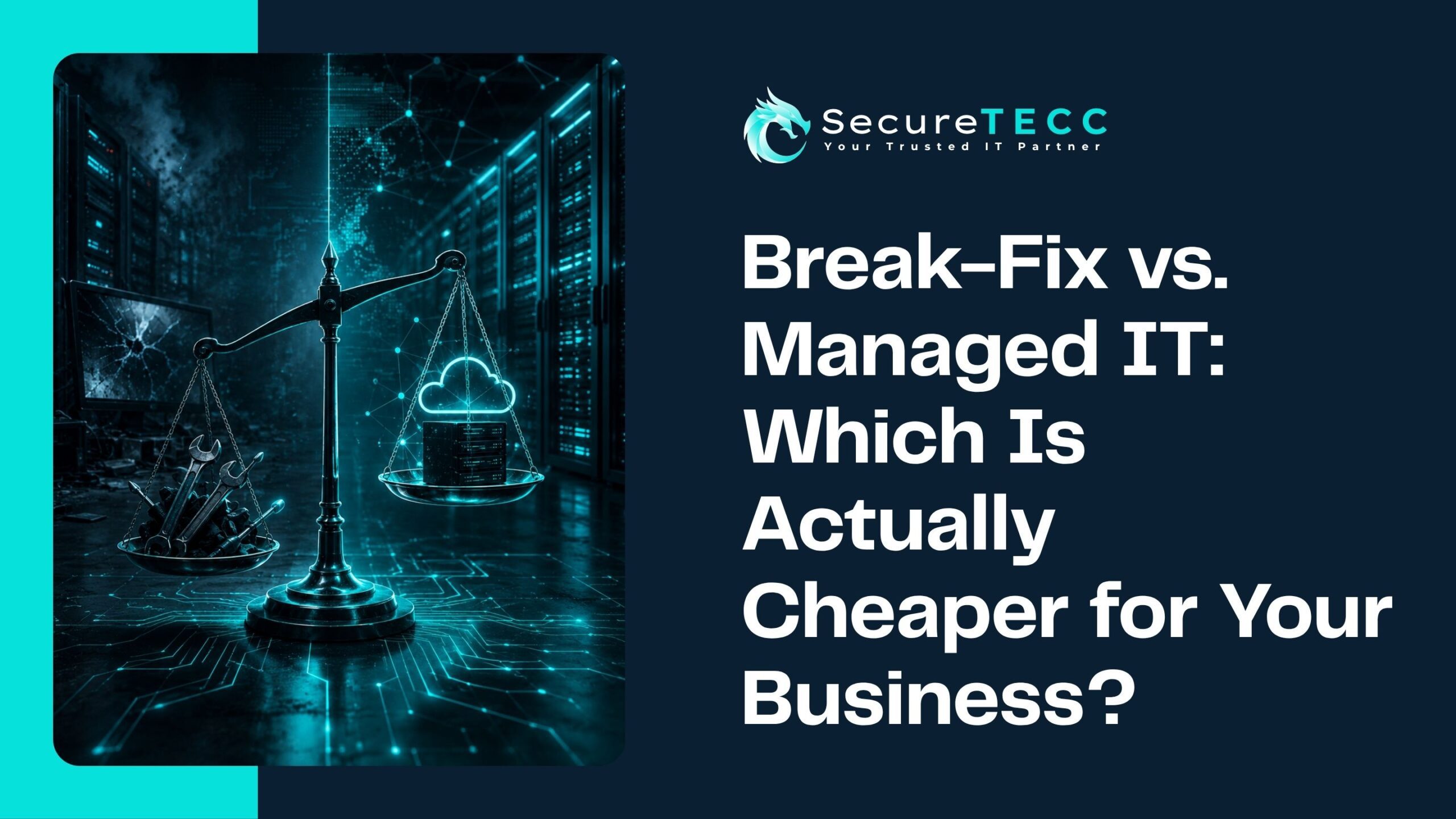
If you’ve ever put off calling an IT company until something actually broke, you’ve used break-fix support — whether you called it that or not. It’s the model most small businesses start with, and on the surface, it looks like the cheaper option: no monthly bill, no contract, just pay when there’s a problem. Managed IT, by comparison, comes with a recurring invoice every month, which can feel like paying for something you don’t need yet.
But “cheaper” and “lower monthly bill” aren’t the same thing. The real cost of IT depends on what happens between the invoices — how often things break, how long they take to fix, and what a few hours of downtime actually does to your revenue and your team’s time. Once you factor that in, the math often flips. Below, we’ll break down what each model actually includes, where the hidden costs live, and how to figure out which one makes sense for your business right now.
Which Is Cheaper: Break-Fix or Managed IT?
For most small and mid-sized businesses, managed IT ends up cheaper over a full year, even though it costs more month to month. Break-fix avoids a recurring fee, but it pushes the real cost into unplanned repairs, emergency labor rates, and downtime — and those add up faster and less predictably than a flat monthly plan.
What Is Break-Fix IT Support, Exactly?
Break-fix is exactly what it sounds like: something breaks, you call an IT company, they fix it, and you get a bill for the time and materials. There’s no ongoing relationship or monitoring in between calls — your systems run unsupervised until a problem shows up.
For a lot of very small businesses with simple, low-risk setups, this used to be a perfectly reasonable way to handle IT. The appeal is straightforward:
- No monthly commitment or contract
- You only pay when you actually need help
- Works fine for occasional, low-stakes issues (a printer that won’t connect, a slow laptop)
The tradeoff is that nobody is watching your network, patching your software, or catching small issues before they turn into outages. You find out about problems the same way your customers do — when something stops working.
What Is Managed IT, and How Is the Cost Structured Differently?
Managed IT flips the model: instead of paying per incident, you pay a predictable monthly fee — usually based on your number of users or devices — in exchange for ongoing monitoring, maintenance, security, and support. The provider’s incentive shifts from “fix it and bill for it” to “prevent it so it never becomes a ticket.”
A typical managed IT plan folds in several things that would otherwise be separate, unplanned expenses under break-fix:
- continuous monitoring of networks, servers, and endpoints
- Routine patching and software updates
- Cybersecurity tools like endpoint protection and email filtering
- Data backup and disaster recovery planning
- A help desk your team can call without worrying about the meter running
Because most of the labor happens proactively — before something fails — you’re not paying emergency rates for after-hours repairs or losing a full workday while a technician diagnoses a problem from scratch.
Why Does Break-Fix Look Cheaper on Paper?
Break-fix wins the month-to-month comparison for one simple reason: on a quiet month with no issues, you pay nothing. A managed IT invoice, on the other hand, arrives every month whether or not anything went wrong. If you’re comparing a $0 invoice to a $1,500 invoice, break-fix looks like the obvious choice.
The problem is that “a quiet month” isn’t the real comparison. The real comparison is a full year, including the months where something does break — and under break-fix, those months tend to be expensive in ways a flat monthly fee never is.
What’s the Hidden Cost of Waiting Until Something Breaks?
This is where the math actually changes. A few things happen under break-fix that rarely show up until you add them up:
Emergency labor costs more than planned labor
An after-hours or weekend emergency call typically bills at a premium rate, and diagnosis takes longer because nobody has current documentation of your systems — the technician is starting from zero every time.
Downtime is the expensive part, not the repair invoice
The IT company’s bill is rarely the biggest cost of an outage. According to CMIT Solutions, downtime can cost small businesses anywhere from roughly $8,000 to $74,000 per hour depending on the industry — and that’s lost revenue, idle payroll, and missed customer calls, not the repair itself.
Unpatched systems are now attackers’ favorite way in
Break-fix rarely includes routine patching, since nobody’s paying for maintenance between problems. That gap matters more than it used to: Verizon’s 2026 Data Breach Investigations Report found that exploiting known, unpatched software vulnerabilities has overtaken stolen passwords as the single most common way attackers break into a network — the first time that’s happened in the report’s 19-year history.
Small problems compound into bigger ones
A server that’s quietly running low on disk space, a backup job that silently failed three weeks ago, a firewall rule nobody updated — under break-fix, none of that gets caught until it causes an outage. Under managed IT, it’s usually resolved before you’d ever notice it was a problem.
How Do the Two Models Compare Over a Full Year?
Here’s a simplified way to picture it. Imagine a 20-person professional services firm — a scenario similar to businesses we support across Ventura, Los Angeles, and Santa Barbara Counties — running on break-fix support:
- Routine issues throughout the year (password resets, printer problems, minor troubleshooting): several thousand dollars in ad hoc service calls
- One significant outage — a server failure or ransomware incident that takes half a day to fully resolve: emergency repair costs, plus a half-day of 20 employees sitting idle
- No proactive patching or monitoring: higher odds that a preventable issue becomes an unplanned one
Add up the ad hoc service calls, the emergency-rate repair, and even a conservative estimate of the lost productivity from that one outage, and the total for the year often lands well above what a flat managed IT plan would have cost for the same 12 months — before you even count the value of not having that outage happen in the first place.
That’s the real difference: managed IT trades a variable, unpredictable annual cost for a flat, budgetable one — and it usually comes out lower besides.
When Does Break-Fix Actually Make Sense?
Break-fix isn’t wrong for everyone. It can still be a reasonable fit if:
- You’re a very small operation — a handful of people with minimal reliance on shared systems, servers, or sensitive data
- Your technology needs are simple and rarely change
- You genuinely have the in-house knowledge to handle day-to-day troubleshooting yourself, and only need outside help occasionally
Where break-fix starts to break down is the moment your business depends on uptime — client deadlines, patient records, point-of-sale systems, shared files — or the moment a single bad day could mean real financial or reputational damage.
How Do I Know Which Model Fits My Business?
A useful gut check: think about your worst IT day in the last two years. How long were you down, and what did it actually cost you — not just the repair bill, but the missed calls, the idle staff, the rescheduled client work? If that number makes you wince, that’s usually a sign it’s time to talk to a managed IT provider rather than wait for the next one.
This is exactly the conversation our team has with business owners across Ventura, Los Angeles, and Santa Barbara Counties every week — most of whom don’t have a full-time IT department and don’t want to build one. At SecureTECC Solutions, we help businesses figure out whether fully managed IT, a co-managed setup alongside an existing in-house team, or a lighter support plan makes the most sense, based on how much your operations actually depend on your technology.
Frequently Asked Questions
Is managed IT worth it for a really small business?
It depends on how much downtime would actually cost you. A two-person business with no shared systems may be fine with break-fix. A ten-person business that can’t take client calls or process orders without its computers usually saves money with managed IT, even at a small scale.
Can I switch from break-fix to managed IT without disrupting my business?
Yes. A good managed IT provider starts with an assessment of your current systems, documents what’s already in place, and rolls out monitoring and support in the background — most businesses don’t experience any real interruption during the transition.
Does managed IT replace my existing IT person or team?
Not necessarily. Co-managed IT is built specifically for businesses that already have in-house IT help but need extra coverage — like continuous monitoring, after-hours support, or specialized cybersecurity work — without replacing their internal team.
What size business typically benefits most from managed IT?
Businesses with 10 or more employees, or any business — regardless of size — that depends on uptime, handles sensitive client or patient data, or would lose real revenue during a few hours of downtime, tend to see the clearest return.
How is managed IT pricing usually structured?
Most providers charge a flat monthly fee based on the number of users or devices covered, which makes IT a predictable line item in your budget instead of a surprise expense that shows up only when something breaks.
The Bottom Line
Break-fix isn’t a scam and it isn’t always the wrong call — but it shifts the real cost of IT away from a predictable monthly line item and into unpredictable emergencies, most of which cost more than they would have under a proactive plan. If your business depends on your systems being up and running, that tradeoff is worth a second look.
Not sure which model fits where your business is today? Book a free consultation with SecureTECC Solutions and we’ll walk through your current setup, your risk areas, and what a realistic monthly cost would actually look like — no pressure, no obligation.