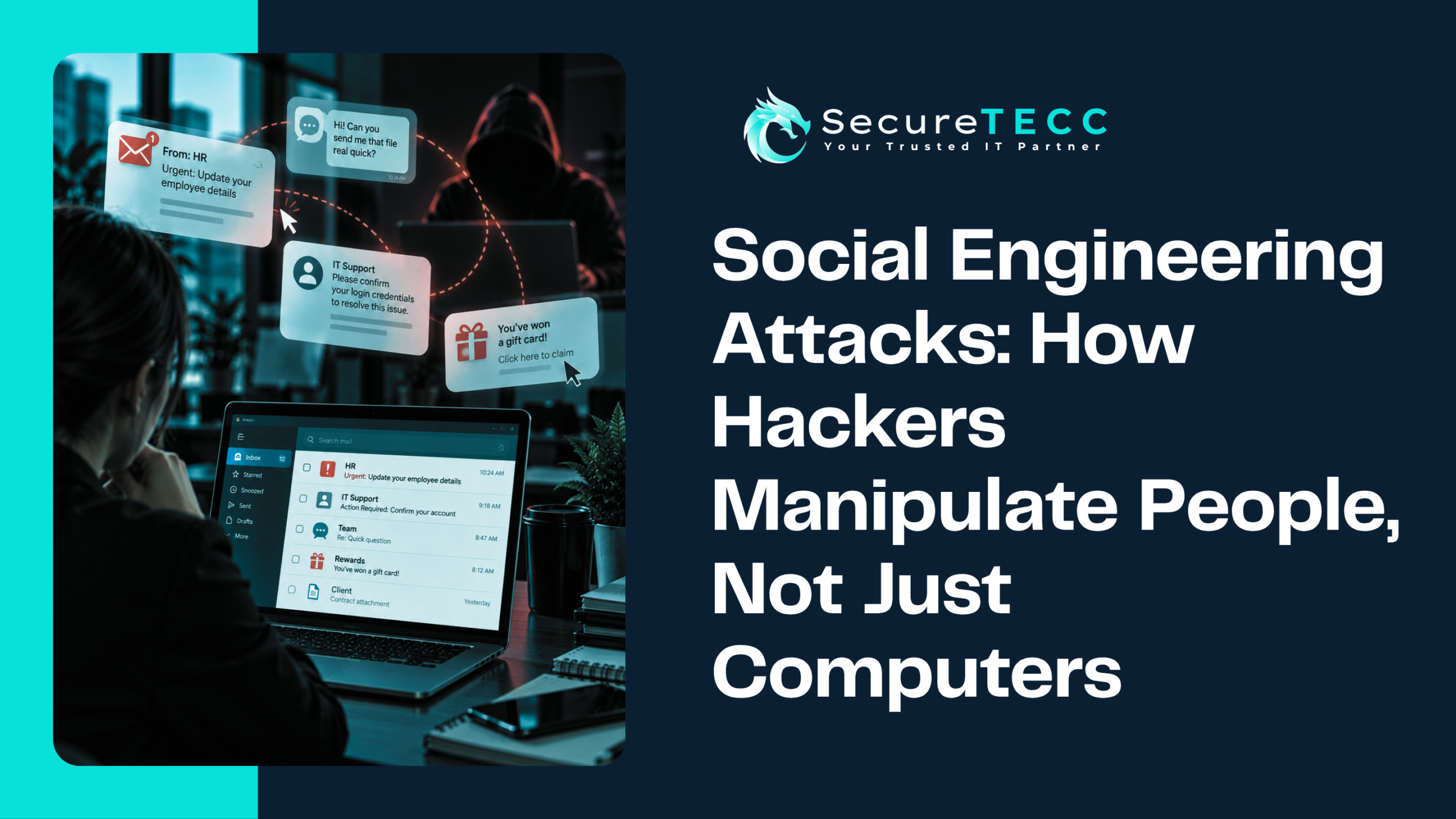
A vendor calls asking why an invoice looks different from usual. A client mentions they got a strange follow-up email from you — one you never sent. Or maybe nothing dramatic happens at all; you just notice a “your password was changed” notification you don’t remember requesting, and a small, uneasy feeling that something’s off.
Compromised business email rarely announces itself with a dramatic warning screen. Most of the time, it shows up as a handful of small, easy-to-dismiss oddities — until the damage is already done. Here’s what those warning signs actually look like, why they matter more than they seem, and what to do the moment you notice one.
How Do You Know If Your Business Email Has Been Compromised?
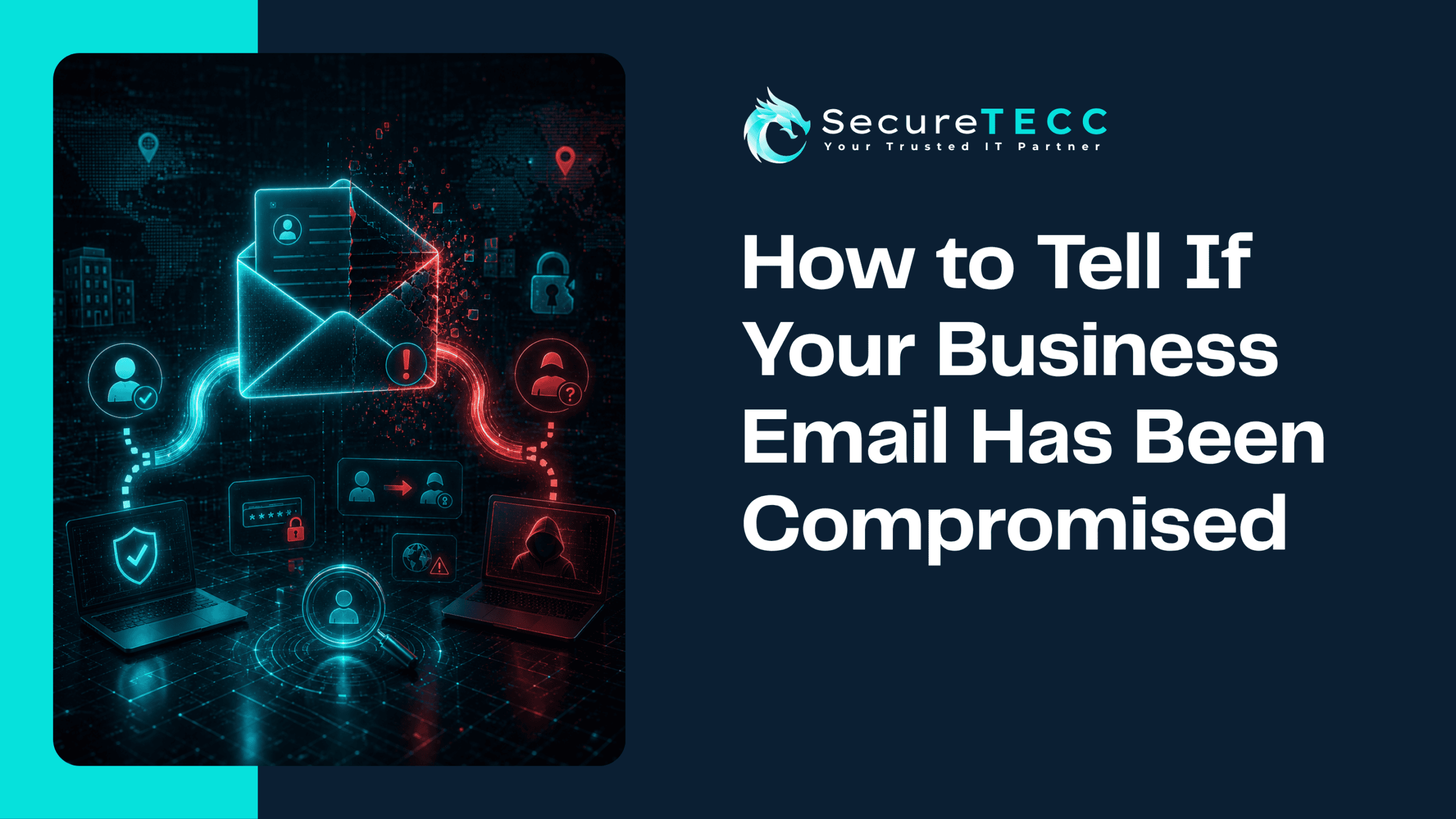
The clearest signs are ones that don’t add up: emails in your Sent folder you don’t remember writing, contacts asking about messages you never sent, login alerts from unfamiliar locations or devices, and inbox rules or filters you didn’t create. Individually, any one of these could have an innocent explanation — but together, or even alone, they’re worth taking seriously and checking immediately.
What Are the Actual Warning Signs to Watch For?
Compromise doesn’t always look like a break-in. Often it looks like your account working exactly as normal — just with someone else quietly along for the ride.
Emails you don’t remember sending
Check your Sent folder. If there are messages you didn’t write — especially ones asking contacts to click a link, open an attachment, or send payment details — that’s one of the clearest signs your account is actively being used by someone else.
Contacts telling you they received something strange
If a client, vendor, or coworker mentions an odd or out-of-character email “from you,” don’t brush it off as spam filtering weirdness. Attackers who gain access to a real account often use it to email your actual contact list, because those messages pass spam filters and look far more convincing than a random phishing attempt.
Login alerts from unfamiliar locations or devices
Most business email platforms will flag or notify you about sign-ins from new devices or unusual locations. A login alert from a city or country you have no connection to is a strong, direct signal — not something to dismiss as a glitch.
Password reset or account change emails you didn’t request
An unexpected “your password was changed” or “your recovery email was updated” notification is one of the more urgent red flags, because it often means someone is actively trying to lock you out of your own account.
New forwarding rules or filters you didn’t set up
This is one of the quietest and most dangerous signs, because it’s designed to be invisible to you. Attackers frequently set up a rule that silently forwards incoming mail — including password resets, invoices, and financial correspondence — to an outside address, while leaving your inbox looking completely normal.
Missing or archived emails you never touched
If emails you expected to see are missing, or messages are marked as read or archived that you never opened, someone else may be actively reading and managing your inbox.
Unexpected multi-factor authentication prompts
An MFA push notification or code request you didn’t trigger almost always means someone has your password and is actively trying to get past the second layer of protection. Deny it, and treat it as an immediate signal to change your password.
Why Does This Matter So Much for a Small Business?
Business email compromise isn’t a minor inconvenience — it’s one of the most financially damaging cybercrimes tracked by federal law enforcement. According to the FBI’s 2025 Internet Crime Report, business email compromise caused over $3 billion in reported losses last year, ranking second only to investment fraud among all cybercrime categories.
What makes it especially costly for small businesses is how it’s typically used: not for spam, but to intercept invoices, redirect wire transfers, or convincingly impersonate an executive asking for an urgent payment. A compromised account that goes unnoticed for even a few days can be enough for real financial damage to happen before anyone realizes something is wrong.
What Should You Do the Moment You Suspect Compromise?
If you notice any of the warning signs above, speed matters more than certainty. Don’t wait to be sure — act as though it’s real:
- Change your password immediately — from a device you’re confident is clean, not the one you suspect is compromised
- Check for forwarding rules and filters — and remove anything you didn’t personally set up
- Review recent login activity — most business email platforms show a login history with locations and devices
- Enable multi-factor authentication — if it isn’t already on, this is the moment to turn it on
- Alert your contacts — a short warning that your account may have sent suspicious messages can stop the impact from spreading
- Notify whoever handles your IT or security — so they can check for broader access beyond just the one account
How Do Attackers Actually Get In?
Most business email compromise doesn’t involve some sophisticated technical break-in — it usually starts with a phishing email that tricks someone into entering their password on a fake login page, or a password that was reused across multiple accounts and leaked somewhere else. Once an attacker has valid credentials, logging into your email looks just like you logging into your email, which is exactly why the warning signs above matter so much — the account itself won’t tell you anything is wrong.
How Can You Prevent This From Happening Again?
We’ve walked several clients through this exact scenario: an employee’s account starts sending strange messages to their contact list, and it turns out a password from an old, unrelated data breach was being reused for their work email. A few habits go a long way toward preventing it in the first place:
- Turn on multi-factor authentication for every account that supports it
- Use a unique password for your business email — never one reused from a personal account
- Be cautious with login pages reached through an email link rather than typed directly
- Review account forwarding rules and connected devices periodically, not just when something feels wrong
This is exactly the kind of thing SecureTECC’s Cybersecurity and Around-the-Clock IT Support services are built to catch and respond to quickly — automated monitoring for unusual account activity, helping set up multi-factor authentication correctly, and being available to receive and triage a report the moment something looks off, rather than leaving a business to notice on its own.
Frequently Asked Questions
Can my email be compromised even if I haven’t clicked anything suspicious?
Yes. If a password was reused and leaked in a breach of a completely different, unrelated service, an attacker can use those same credentials to log into your business email directly — no phishing click required on your part.
Is it enough to just change my password after suspected compromise?
Changing your password is an essential first step, but it’s not enough on its own. Check for forwarding rules, review recent login activity, and confirm multi-factor authentication is active — an attacker who set up a hidden forwarding rule can keep receiving your email even after the password changes.
How would I know if someone set up a hidden forwarding rule on my account?
Check your email platform’s filter or forwarding settings directly — most business email compromise incidents involve a rule that’s easy to miss unless you specifically go looking for it, since it doesn’t change how your inbox looks day to day.
Should I report business email compromise to anyone outside my company?
If money was involved or you suspect fraud occurred, report it to the FBI’s Internet Crime Complaint Center (IC3) as soon as possible — fast reporting improves the odds of recovering funds sent to a fraudulent account.
Does multi-factor authentication really stop this from happening?
It significantly reduces the risk, since a stolen password alone usually isn’t enough to get in. It’s not a perfect guarantee, but it removes the single biggest advantage an attacker gets from a leaked or guessed password.
The Bottom Line
Business email compromise almost never looks dramatic while it’s happening — it looks like a handful of small, easy-to-explain-away oddities. Taking those signs seriously, and knowing exactly what to check the moment something feels off, is often the difference between a quick password reset and a genuinely costly incident.
Not sure whether your business’s email accounts are properly protected? Book a free consultation with SecureTECC Solutions and we’ll help you check what’s in place today — no pressure, no obligation.