You’ve been the unofficial IT department for years now — restarting the router when Wi-Fi drops, googling error messages during a busy Tuesday, and figuring out password resets between actual work. It worked when the business was smaller. Lately, it’s starting to feel like technology is running you, instead of the other way around.
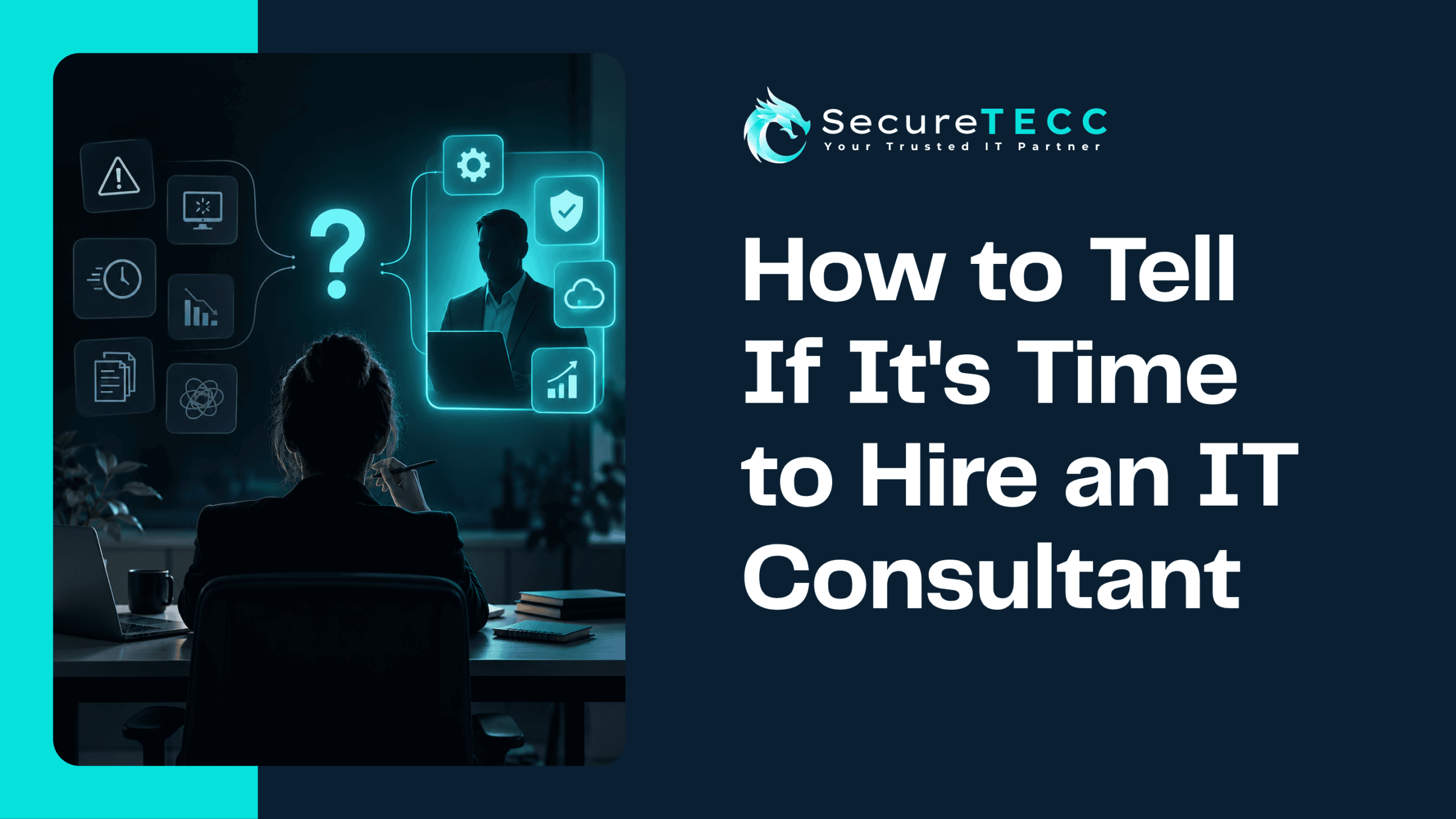
There’s rarely one dramatic moment that makes the decision obvious. It’s usually a handful of smaller signs, stacking up over months, that eventually add up to “we need real help with this.” Here’s what those signs actually look like, and how to tell the difference between a rough week and a genuine turning point.
How Do You Know It’s Time to Hire an IT Consultant?
It’s typically time to bring in outside IT help when technology problems are eating a meaningful chunk of your time, a security scare has made you realize you got lucky rather than protected, your business has grown past what your current setup can reasonably handle, or a client, insurer, or regulation is now asking questions about your technology that you can’t confidently answer.
Sign #1: You’ve Become the De Facto IT Department
If you’re the person everyone in the office comes to when something breaks — regardless of whether “IT” is anywhere in your job title — that’s usually the clearest sign something needs to change. It’s not just an inconvenience; it’s time that isn’t going toward running your actual business, and it rarely shows up as a single, obvious cost. It just quietly compounds, week after week.
Sign #2: Technology Decisions Are Mostly Guesswork
Buying a new laptop when the old one dies. Adding software because a competitor uses it. Renewing whatever you renewed last year without really evaluating it. None of that is wrong exactly, but it’s reactive rather than strategic — decisions made in the moment rather than as part of an actual plan for where your technology needs to be in a year or two.
A consultant, particularly one offering vCIO-style strategic guidance, brings a different lens: not just fixing what’s broken, but helping you make deliberate choices about what to invest in and when.
Sign #3: You’ve Had a Security Scare — Even a Small One
A suspicious email that almost got clicked. A password that turned up in a breach notification from an unrelated site. An employee who mentioned their account “acted weird” for a day. None of these need to have caused actual damage to be meaningful — a near-miss is often the only warning you get before an actual incident, and treating it as a fluke rather than a signal is one of the more common mistakes small businesses make.
Sign #4: Your Business Has Genuinely Outgrown Your Setup
What worked for five people rarely holds up cleanly at fifteen or twenty. More employees means more devices, more accounts, more data, and more ways for something to go wrong — while your technology setup, more often than not, hasn’t been redesigned to match. If you’ve added headcount steadily but your network, backup, and security setup are the same as they were years ago, that gap is worth taking seriously before it causes a real problem.
Sign #5: Clients, Insurers, or Regulations Are Starting to Ask
A client’s vendor security questionnaire. A cyber insurance renewal that suddenly wants details about your backup and access controls. A new compliance requirement tied to a contract you’re trying to win. These moments have a way of exposing exactly how much (or how little) documentation and structure actually exists behind your technology — and scrambling to answer them under deadline pressure is a much worse experience than having the answers ready in advance.
Sign #6: The Time Cost Has Become Real, Not Just Annoying
It’s easy to underestimate how much time unmanaged technology actually consumes until you add it up. According to SBE Council’s 2026 Small Business Technology Use Survey, business owners who’ve properly modernized and managed their technology report saving a median of five hours a week personally — time that, for most owners, was previously going toward exactly the kind of ad hoc IT troubleshooting described above rather than running the business.
What Kind of Outside Help Actually Fits?
“IT consultant” can mean a few different things, and it’s worth knowing which one actually matches your situation:
- Project-based consulting — help with a specific initiative, like a network redesign, a software migration, or a security overhaul, without an ongoing monthly commitment
- Managed IT services — ongoing, proactive support and monitoring, functioning as your outsourced IT department day to day
- Strategic/vCIO advisory — higher-level guidance on technology planning and budgeting, often paired with either of the above rather than standing alone
- Co-managed IT — support that works alongside an existing in-house person or team, filling gaps rather than replacing anyone
Most businesses don’t need the most expensive option — they need the one that actually matches where the pain is coming from.
What Does Bringing Someone In Actually Involve?
Picture a 12-person marketing agency where the office manager has quietly been “IT” for three years — handling everything from software licenses to a scary ransomware close call nobody talked about afterward. Bringing in outside help didn’t mean replacing anyone or ripping out their existing setup. It started with an assessment: understanding what was already in place, what was actually working, and where the real gaps were. From there, changes rolled out in a sequence that made sense, rather than all at once — and the office manager finally got their actual job back.
How SecureTECC Approaches This
SecureTECC works with businesses at exactly this turning point — where technology has outgrown informal, ad hoc handling but a full internal IT department isn’t the right fit either. That includes Managed IT Services for day-to-day support, IT Strategy & Consulting for the bigger-picture planning, and the flexibility to start with a specific project rather than an all-or-nothing commitment.
Frequently Asked Questions
Do I need to fully overhaul my systems if I bring in an IT consultant?
No — a good consultant starts by assessing what you already have and what’s genuinely working, then addresses gaps in a reasonable order rather than replacing everything at once.
What if my business is too small to justify hiring outside IT help?
There’s no fixed employee count that determines readiness — it depends more on how much time technology problems are costing you, how much sensitive data you handle, and how much a bad day would actually disrupt your business.
Is it cheaper to just hire a full-time in-house IT person instead?
For many small and mid-sized businesses, outside IT support costs meaningfully less than a full-time salary, benefits, and ongoing training, while still providing broader expertise across security, networking, and strategy than one person typically can alone.
What’s the difference between hiring a consultant and switching to managed IT?
A consultant is often brought in for a specific project or strategic guidance, while managed IT is an ongoing relationship covering day-to-day support and monitoring — many businesses end up using both together.
How do I know if a near-miss security incident was actually serious?
It’s worth having someone review it rather than assuming it wasn’t — what looks like a minor annoyance (a strange login alert, an odd email) can sometimes indicate a bigger issue that simply hasn’t fully surfaced yet.
The Bottom Line
There’s rarely a single dramatic moment that makes the decision obvious — it’s usually a pattern of small signs that, taken together, mean your business has outgrown handling technology informally. Recognizing that pattern early is a lot less costly than waiting for the moment it becomes impossible to ignore.
Not sure whether what you’re dealing with is a rough patch or a real turning point? Book a free consultation with SecureTECC Solutions and we’ll help you figure out what actually makes sense — no pressure, no obligation.