“24/7 IT support” shows up on almost every managed IT provider’s website, usually next to a stock photo of someone wearing a headset. It’s easy to read past it without really knowing what it means in practice — is it a person? A ticket system? Does “24/7” really mean someone answers at 2 a.m. on a Sunday, or does it mean a voicemail that gets returned Monday morning?
For a small business trying to decide whether this is worth paying for, those details matter. Here’s what a 24/7 IT help desk actually does day to day, how it’s different from managed IT more broadly, and how to tell whether your business genuinely needs round-the-clock coverage or something more modest.
What Does a 24/7 IT Help Desk Actually Do?
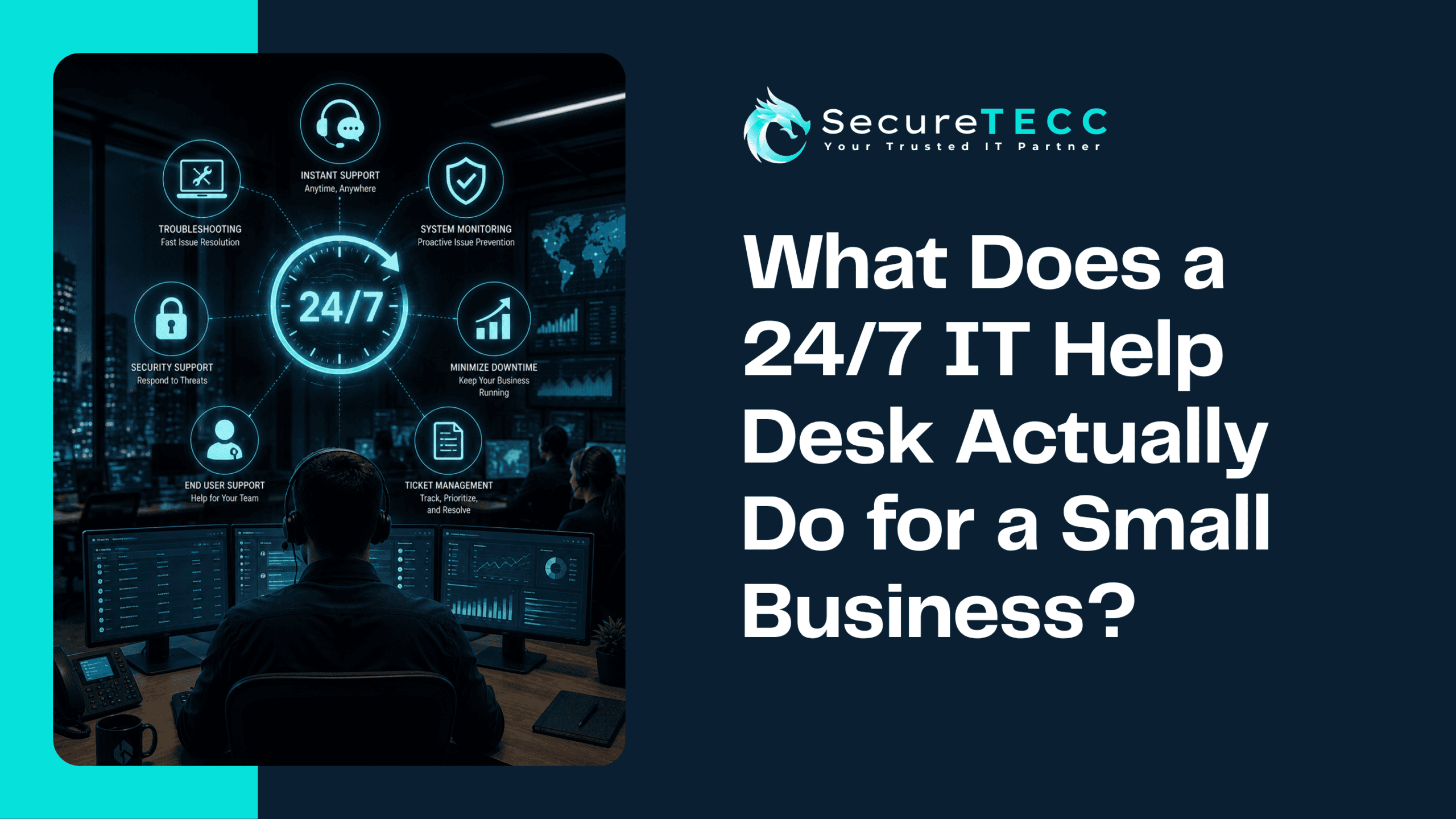
A 24/7 IT help desk gives your team a direct line to IT professionals — by phone, chat, or email — any time an issue comes up, not just during standard business hours. It handles day-to-day technical problems like password resets, software glitches, connectivity issues, and hardware troubles, along with more urgent situations like a system outage or a suspected security incident, regardless of when they happen.
What Kinds of Problems Does It Actually Handle?
The bulk of help desk activity isn’t dramatic — it’s the everyday friction that quietly eats into a workday. That includes things like:
- Password resets and account lockouts
- Software that’s crashing, freezing, or throwing an error nobody recognizes
- Wi-Fi or network connectivity problems
- Email issues — messages not sending, receiving, or syncing properly
- New employee setup — getting a new hire’s accounts, devices, and access working on day one
- Printer, peripheral, and basic hardware troubleshooting
- Flagging and responding to suspicious emails or potential security concerns
Most of these get resolved remotely, often faster than waiting for someone in-house to look into it between other tasks. When something genuinely needs hands-on attention — a hardware failure, a cabling issue, a full system setup — that’s when a help desk escalates to an on-site visit instead.
Is a Help Desk the Same Thing as Managed IT?
Not quite, though they overlap and are often bundled together. A help desk is reactive by nature — it’s there when your team runs into a problem and needs it solved. Managed IT is the broader, more proactive layer underneath it: monitoring your systems, applying patches, managing backups, and trying to catch issues before anyone notices them.
Think of it this way: managed IT is working to prevent the call in the first place. The help desk is who picks up when something gets through anyway. A good setup includes both — proactive monitoring to reduce how often things break, and responsive support for when they do.
Why Does the “24/7” Part Actually Matter?
Business hours are a convenient assumption that doesn’t match how a lot of small businesses actually operate anymore. A remote employee logging in early, a manager checking email on a Sunday before a Monday deadline, or a point-of-sale system that goes down during a Saturday rush — none of that waits politely for 9 a.m. Monday.
The cost of that gap is real, even when it’s not dramatic. According to HappySignals’ 2026 Global IT Experience Benchmark, employees lose an average of over three hours of productive time per IT incident — and that number climbs when the person affected has to simply wait until someone’s available to help, rather than getting a response right away.
What Actually Happens When You Call?
A well-run help desk isn’t just “call this number and hope.” It typically follows a consistent process: the issue gets logged as a ticket so there’s a record of what happened and how it was resolved, a technician works through remote troubleshooting first since most issues can be fixed that way, and if the problem needs hands-on attention, it gets escalated for an on-site visit. That documentation matters more than it seems — it means the next technician who helps you isn’t starting from zero, and patterns (like the same printer jamming every week) actually get noticed instead of re-diagnosed from scratch each time.
What Might This Look Like for a Real Business?
Picture a 15-person professional services firm where someone’s laptop won’t connect to the office VPN at 7 a.m., an hour before a client call. Without support available yet, that’s an hour of scrambling, guessing, and possibly missing the call entirely. With a 24/7 help desk, it’s a quick call or chat, a few minutes of remote troubleshooting, and the employee is back online with time to spare — the kind of problem that either derails a morning or barely registers, depending entirely on whether help was actually available when it happened.
Do You Actually Need 24/7 Support, or Would Business Hours Be Enough?
Not every business needs true round-the-clock coverage, and it’s worth being honest about that rather than assuming more is automatically better. A few signs point toward genuinely needing it:
- You have remote or hybrid employees working outside standard hours or across time zones
- Your business operates evenings, weekends, or has systems (like point-of-sale) that can’t afford downtime during off-hours
- A single unresolved issue overnight could mean a missed deadline, a lost sale, or a client-facing problem the next morning
If your team works a fairly standard 9-to-5 with no weekend operations, business-hours support with fast response times may genuinely be enough — and it’s worth having that honest conversation with a provider rather than assuming the most expensive tier is the right fit.
How SecureTECC Approaches This
SecureTECC’s Around-the-Clock IT Support is built around the idea that IT problems don’t check the clock before happening. It’s paired with our Managed IT services so the proactive side — monitoring, patching, maintenance — works in the background to reduce how often your team needs to call in the first place, while support requests are received and acknowledged any time, with urgent issues escalated right away.
Frequently Asked Questions
Does 24/7 IT support mean a real person always answers?
With a properly staffed provider, yes — 24/7 support means access to actual technicians around the clock, not an automated system that queues your issue until business hours. It’s worth confirming exactly how a provider staffs off-hours coverage before signing on.
How is a help desk different from just calling a repair shop when something breaks?
A help desk builds an ongoing relationship with your systems — tracking your setup, your ticket history, and recurring issues over time — rather than diagnosing your business from scratch every time something goes wrong.
Can a help desk fix everything remotely, or will someone need to come on-site?
Most day-to-day issues — software problems, account access, connectivity troubleshooting — can be resolved remotely. Hardware failures, cabling, and full system setups typically require an on-site visit, which a good help desk will escalate to when needed.
Is a 24/7 help desk overkill for a very small business?
Not necessarily overkill, but it depends on how your business operates. If nobody’s working evenings or weekends and downtime overnight genuinely doesn’t affect you, business-hours support with a fast response time may be a better fit than paying for coverage you won’t use.
What’s the difference between a help desk and a 24/7 network monitoring service?
A help desk responds when your team reaches out with a problem. Network monitoring is a separate, ongoing service that watches your systems automatically to catch and often resolve issues before anyone notices — the two work well together but aren’t the same thing.
The Bottom Line
A 24/7 IT help desk isn’t just a phone number that happens to be staffed at odd hours — it’s meant to be the difference between a small technical hiccup and a genuinely disrupted day, whenever that hiccup happens to occur. Whether you need the full round-the-clock version or a solid business-hours setup depends entirely on how your team actually works.
Curious whether your business needs 24/7 coverage or something more modest? Learn more about SecureTECC’s Around-the-Clock IT Support or book a free consultation and we’ll help you figure out the right fit — no pressure, no obligation.