Every October, Cybersecurity Awareness Month rolls around with the same familiar reminders — use strong passwords, watch out for phishing, keep your software updated. Easy to nod along with, easy to forget by November. For a lot of small business owners, “we should really look into our cybersecurity” has been sitting on the to-do list for months, quietly getting pushed down by whatever’s more urgent that day.
This year’s National Cybersecurity Alliance theme, “Don’t Make It Easy for Them,” is really about exactly that: most successful attacks don’t involve some brilliant technical exploit — they succeed because a business left an easy opening. Consider this your excuse to actually work through the list instead of skimming it. Here’s a practical checklist you can realistically get through this month.
What Should a Small Business Actually Do for Cybersecurity Awareness Month?
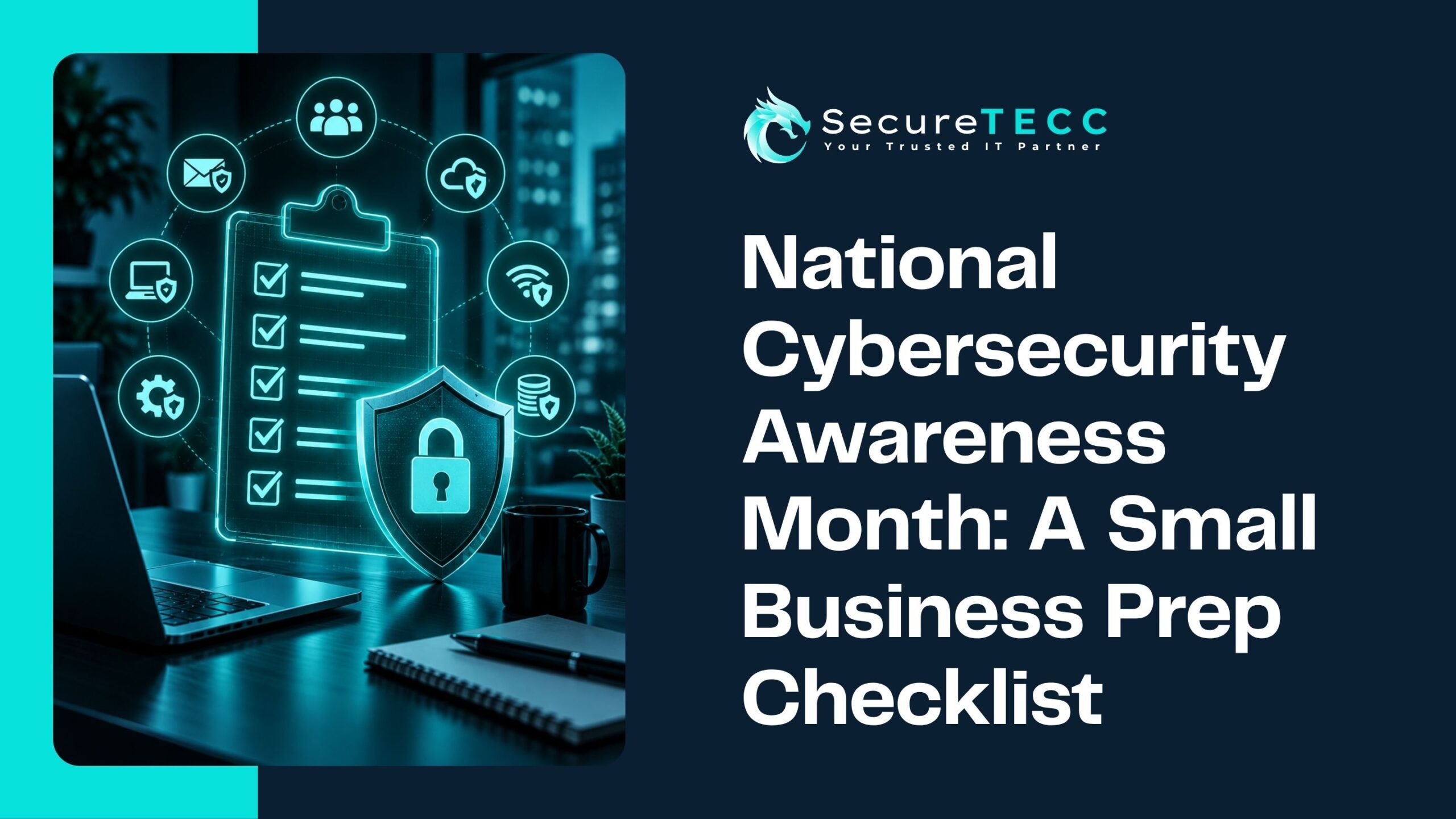
The most useful way to spend Cybersecurity Awareness Month as a small business is running through a focused checklist: reviewing who has access to what, turning on multi-factor authentication everywhere it isn’t already active, confirming your backups actually work, updating outdated software, and testing your team’s ability to spot a phishing attempt. None of it requires a huge budget — it requires actually doing it.
1. Audit Who Actually Has Access to What
Take an honest look at who has access to your systems, accounts, and shared files — including former employees, old vendor accounts, and anyone whose role has changed since they were first given access. It’s a common gap: access gets granted easily but rarely gets revisited, which means a lot of businesses have more open doors than they realize.
2. Turn on Multi-Factor Authentication Everywhere It Isn’t Already
If email, financial systems, and remote access don’t already require a second step beyond a password, this is the single highest-impact item on the list. It’s quick to set up and dramatically reduces the odds that a leaked or guessed password alone is enough for someone to get in.
3. Check When Your Backups Were Actually Last Tested
Not “do we have backups” — when did someone last confirm they can actually be restored? A backup that’s never been tested is a backup you’re only hoping works. This is also a good moment to check where those backups are physically stored; if they’re sitting in the same building as everything they’re protecting, that’s a gap worth closing.
4. Update Software and Firmware Across the Board
Outdated software is one of the most common ways attackers actually get in — not through some sophisticated exploit, but through a known vulnerability that a patch already exists for. Check computers, but also routers, firewalls, and any other network equipment that tends to get forgotten once it’s installed and running.
5. Run a Phishing “Fire Drill” With Your Team
Most breaches still start with a person, not a technical flaw — someone clicking a link, opening an attachment, or replying to a convincing fake request. A short team conversation about what a suspicious email actually looks like, or a simple simulated phishing test, does more for your real-world security than most technical tools on their own.
6. Review — or Write — Your Incident Response Plan
If something happened right now — a ransomware note, a compromised account, a suspicious wire request — would your team know exactly what to do first? Many small businesses don’t have this written down anywhere, which means the first hour of an actual incident gets spent figuring out the plan instead of executing it. Even a simple, one-page version is far better than nothing.
7. Check Your Cyber Insurance Against What You Actually Have in Place
If your business carries cyber insurance, this is worth a genuine look rather than a rubber-stamp renewal. Many policies now require specific security measures — like MFA or documented backup practices — to actually pay out on a claim. Finding that gap after an incident, rather than before, is a bad time to discover it.
8. Schedule a Professional Security Assessment
If you’ve made it through the first seven items and still aren’t confident in where your business actually stands, that’s exactly what a professional assessment is for — an outside, objective look at what’s actually protecting you versus what you assume is in place.
What If You Only Have Time for One of These?
If the full list feels like a lot to fit into one month, prioritize multi-factor authentication and backup testing first. Between the two, they address the most common way attackers actually get in (a compromised password) and the thing that determines whether an incident is a bad day or a business-ending event (whether your data can actually be recovered).
What Does This Look Like in Practice?
Picture a 10-person business that’s been meaning to “get serious about cybersecurity” for over a year. Working through even half this checklist in October — revoking access for two former employees nobody had gotten around to removing, turning on MFA for email and accounting software, and actually testing a backup restore for the first time — closes more real risk than most businesses address in an entire year of good intentions that never quite turn into action.
How SecureTECC Can Help
If working through this checklist surfaces more questions than answers, that’s normal — and exactly what SecureTECC’s Cybersecurity services are built to help with, from a straightforward security assessment to ongoing monitoring, MFA rollout, and backup verification. Cybersecurity Awareness Month is a good prompt to start; it doesn’t have to be something you tackle alone.
Frequently Asked Questions
Is Cybersecurity Awareness Month really relevant for a very small business?
Yes — the checklist items here apply regardless of size, and small businesses are actually targeted at a higher rate than many owners assume, precisely because attackers expect fewer defenses in place.
How long does it realistically take to get through this checklist?
It depends on your current starting point, but most items — an access review, turning on MFA, checking backup status — can genuinely be done within a few focused hours, not weeks. The incident response plan and a professional assessment may take a bit longer.
What’s the single most important item on this list?
If forced to pick one, multi-factor authentication — it’s fast to implement and addresses the most common way businesses actually get breached: a stolen or guessed password used on its own.
Do we need to do this every October, or is once enough?
Treat October as a useful annual checkpoint, not a one-time fix — access lists, software versions, and backup reliability all drift over time, so revisiting this checklist yearly (or more often) keeps it from becoming stale again.
What if we don’t have the budget for a professional assessment right now?
The first seven items on this list cost nothing beyond time and can meaningfully reduce risk on their own — a professional assessment is valuable, but it isn’t a prerequisite for making real progress this month.
The Bottom Line
Cybersecurity Awareness Month works best as a deadline, not just a reminder — a reason to actually finish the security to-do list that’s been sitting untouched. None of these eight steps require a massive budget or a dedicated IT department. They just require actually doing them.
Want help working through this checklist, or a professional set of eyes on where you actually stand? Book a free consultation with SecureTECC Solutions — no pressure, no obligation.