“We have strong password requirements” used to be a reasonable answer when someone asked how a business protects its accounts. It isn’t anymore. Attackers don’t need to guess a clever password when they can buy leaked credentials, automate thousands of login attempts a minute, or trick someone into typing their password into a fake login page. A password alone — no matter how complex — is a single point of failure.
Multi-factor authentication closes that gap, and it’s become less of a nice-to-have security feature and more of a baseline expectation. Here’s what it actually is, how much protection it really provides, and how to roll it out without your team hating you for it.
What Is Multi-Factor Authentication?
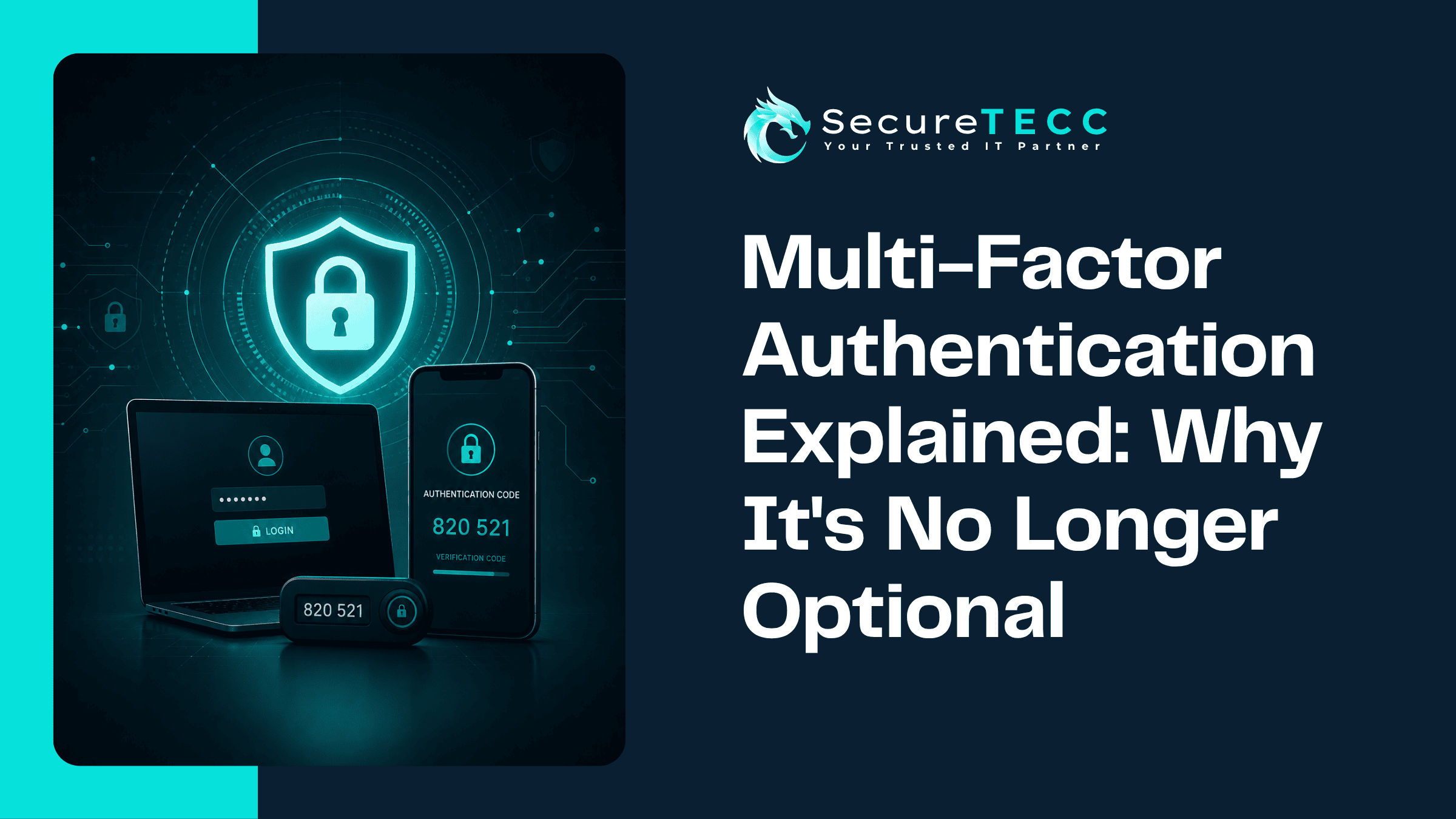
Multi-factor authentication, or MFA, requires a second form of proof beyond your password before you can log in — something like a code from an app, a push notification you approve on your phone, or a physical security key. The idea is simple: even if someone steals or guesses your password, they still can’t get in without that second piece, which they typically don’t have access to.
Why Isn’t a Strong Password Enough Anymore?
A complex password is still worth having, but it protects against fewer threats than most people assume. Passwords get exposed constantly — through data breaches at completely unrelated services, through phishing pages designed to look identical to a real login screen, and through automated attacks that simply try thousands of common or leaked passwords per minute against an account. None of that requires your password to be weak. It just requires it to exist somewhere an attacker can find it.
How Effective Is MFA, Really?
More effective than almost any other single security measure available. According to Microsoft’s 2025 Digital Defense Report, phishing-resistant multi-factor authentication can block over 99% of identity-based attacks — even when an attacker already has a valid, correct password in hand. That matters because the same report found that over 97% of identity attacks are password-guessing or credential-stuffing attempts, and that identity-based attacks overall surged 32% in the first half of 2025 alone.
In practical terms: the single most common way attackers try to break into a business account is exactly the method MFA is built to stop.
What Are the Different Types of MFA?
Not all MFA methods offer the same level of protection. Broadly, they fall into a few categories:
- SMS text codes — simple and widely supported, but the weakest option, since text messages can be intercepted through SIM-swapping attacks
- Authenticator apps — generate a rotating code on your phone; more secure than SMS and don’t rely on your phone carrier
- Push notifications — a prompt on your phone you approve or deny; convenient, though vulnerable to “MFA fatigue” attacks where someone is bombarded with requests until they accidentally approve one
- Hardware security keys — a physical device you plug in or tap; considered phishing-resistant, since it verifies you’re logging into the real site, not a lookalike
- Biometrics — fingerprint or facial recognition, often used alongside another method rather than alone
If you can only prioritize one upgrade, moving away from SMS-based codes toward an authenticator app or hardware key is the most meaningful jump in actual protection.
Isn’t MFA Just an Extra Hassle for My Team?
It’s a fair concern, and the honest answer is: it adds a small amount of friction, but usually far less than people expect once it’s set up properly. Most methods take a few seconds — approving a push notification or typing a six-digit code. Many systems also support “remember this device” settings that reduce how often someone needs to re-verify on a trusted computer.
The friction that does exist is worth comparing to the alternative: the time and disruption of actually recovering from a compromised account is dramatically higher than the few seconds MFA adds to a normal login.
Where Should MFA Actually Be Turned On First?
If you’re rolling this out gradually rather than all at once, prioritize in this order:
- Email accounts — often the gateway to resetting passwords on everything else, making them a top target
- Financial and accounting systems — banking portals, payroll, and accounting software
- Remote access and VPN logins — anything that lets someone into your internal network from outside the office
- Admin and IT accounts — the accounts with the broadest access, and the most damaging to lose control of
- Everything else — cloud storage, CRM systems, and any other business application, working toward full coverage over time
What Actually Happens If a Business Skips This?
We’ve seen this play out in a familiar pattern: an employee’s password gets caught in a breach of a completely unrelated website they’d registered for years earlier, and because they’d reused that same password for their work email, an attacker was able to log straight in — no phishing click, no malware, just a valid password and no second layer standing in the way. With MFA in place, that same leaked password would have been useless on its own.
How Do You Roll This Out Without Disrupting Your Team?
A smooth rollout usually comes down to sequencing and communication rather than technical difficulty:
- Start with your highest-risk accounts (email, financial systems) rather than everything simultaneously
- Give your team a short walkthrough of how it works before flipping it on, not after they’re already locked out
- Choose authenticator apps or hardware keys over SMS where the system supports it
- Set up backup verification methods in advance, so a lost phone doesn’t turn into a lockout emergency
This is exactly the kind of rollout SecureTECC handles as part of our Cybersecurity services — configuring MFA correctly across a business’s accounts, choosing the right method for each system, and making sure it’s set up in a way that protects the business without turning every login into a frustrating extra step.
Frequently Asked Questions
Is SMS-based MFA better than no MFA at all?
Yes, meaningfully — even SMS-based MFA blocks a large share of automated attacks, since it still requires access to something beyond just the password. It’s simply not as strong as an authenticator app or hardware key, which are worth upgrading to when possible.
Can MFA be bypassed by attackers?
It can, though it’s significantly harder — techniques like MFA fatigue attacks (repeatedly sending push notifications until someone approves one by mistake) or session token theft exist. Phishing-resistant methods like hardware keys are specifically designed to close these gaps.
Do I need MFA if my business already uses a VPN?
Yes. A VPN protects the connection itself, but if someone’s password is compromised, MFA is what stops that stolen password from actually being used to log in — the two serve different purposes and work best together.
What happens if an employee loses the device their MFA is set up on?
Most systems support backup codes or an alternate verification method set up in advance for exactly this situation — which is why setting those up before you need them, rather than after, matters.
Is MFA required for compliance, or just a best practice?
It depends on your industry — some regulations and cyber-insurance policies now explicitly require it, while for others it remains a strong best practice rather than a legal requirement. Either way, it’s increasingly treated as a baseline expectation rather than an optional extra.
The Bottom Line
A password alone hasn’t been enough to protect a business account for a long time — it just took a while for that reality to catch up with common practice. Multi-factor authentication is one of the few security measures that’s genuinely simple to set up, low-cost, and dramatically effective all at once.
Not sure which of your business accounts still don’t have MFA turned on? Book a free consultation with SecureTECC Solutions and we’ll help you find the gaps — no pressure, no obligation.