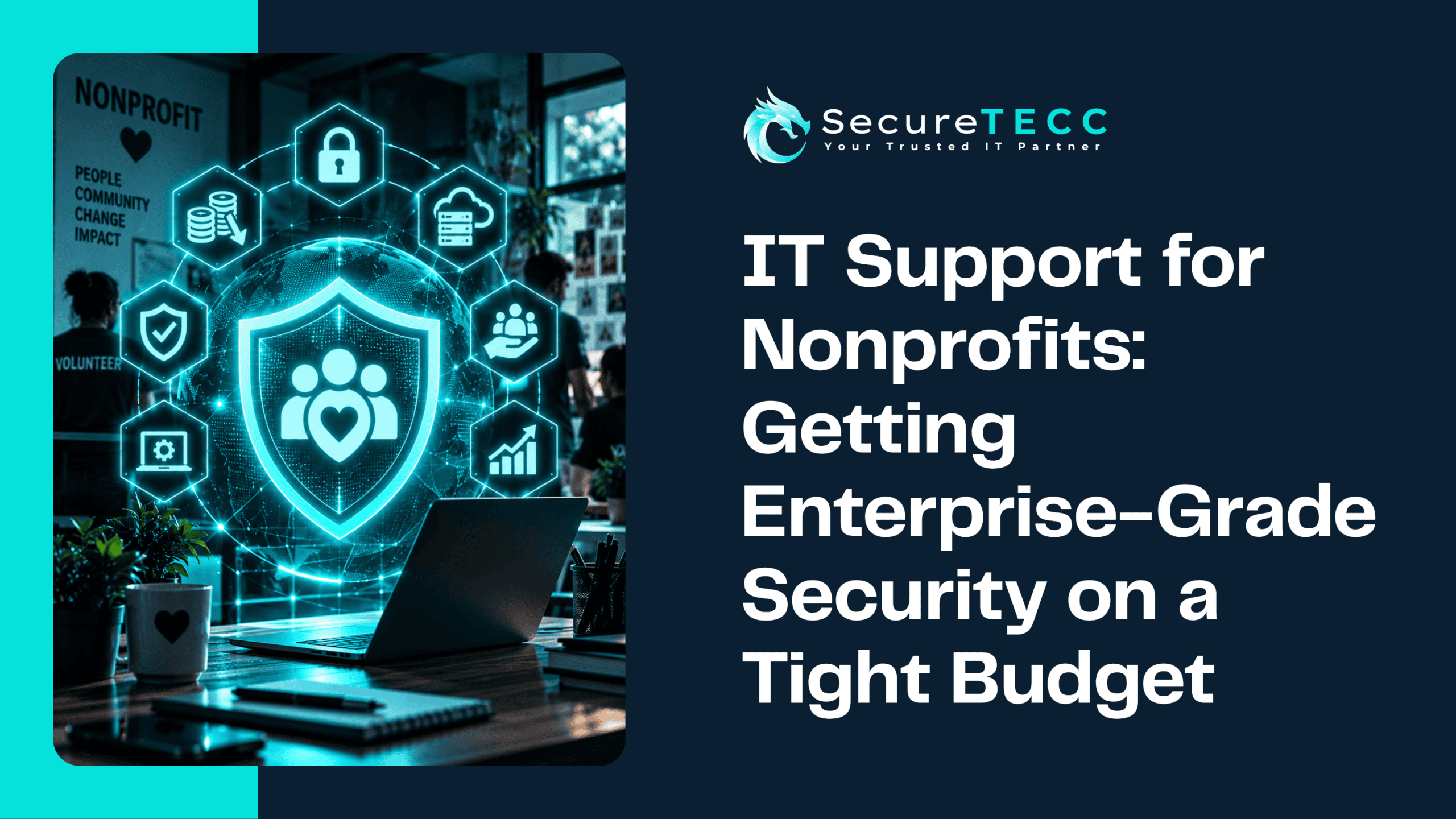
Every nonprofit budget meeting has the same quiet tension. An executive director looks at a line item for security and thinks about what that money could do instead: another case worker, another month of a program, another family served. Spending on IT can feel like spending against the mission, which is exactly why it so often gets postponed until something goes wrong.
The good news is that strong security isn’t mostly a question of how much you spend. It’s a question of what you protect first and how consistently you do the basics. Here’s how a nonprofit with a small budget and no full-time IT person can get meaningfully close to enterprise-grade protection, without enterprise-grade spending.
How Can a Nonprofit Get Strong Security on a Small Budget?
Nonprofits can get strong security on a small budget by prioritizing the controls that block the most attacks: multi-factor authentication, tested backups, secure account management for staff and volunteers, and regular training. Using nonprofit software discounts and focusing first on donor and financial data matters more than buying expensive tools.
Why Are Nonprofits Such Attractive Targets?
Nonprofits hold exactly what attackers want: donor records, payment information, financial data, and sometimes sensitive details about the people they serve. At the same time, they often run lean, rely on volunteers and part-time staff, and handle a steady flow of donations and invoices that make fraudulent requests easier to hide. Research from Abnormal Security, reported by Infosecurity Magazine, found that email-based threats against nonprofits rose 35.2% over the past year, with credential phishing, the kind that steals logins to reach donor databases, up more than 50%. (Abnormal Security sells email security, so treat the exact figures as one vendor’s data, but the direction matches what the broader industry is seeing.)
Where Should a Tight Budget Go First?
Start by deciding what you can’t afford to lose or leak, then protect that before anything else. For most nonprofits that means three things: the donor database, financial and payment systems, and any records about the people you serve. A short, honest inventory of where those live, and who can access them, is free and often reveals the highest-value fixes. It’s far better to protect three critical systems well than to spread a small budget thinly across everything.
Which Low-Cost Controls Make the Biggest Difference?
The measures that block the most common attacks are also some of the cheapest:
- Multi-factor authentication on email, donor systems, and finance tools — often included at no extra cost in the platforms you already use, and one of the most effective defenses against stolen passwords
- Tested backups kept separate from your main network — so a ransomware incident or failed device doesn’t mean losing donor history or program records
- A password manager and no shared logins — so access can be tracked and removed when someone leaves
- Software updates applied on a schedule — closing known gaps attackers rely on
- Short, recurring security training — including volunteers, who are often the least-prepared and most-targeted people in the building
Can Nonprofit Software Programs Actually Help With Security?
Yes, with a caveat that terms change often. Microsoft, for example, reshaped its nonprofit offers in 2025. It retired its free Microsoft 365 Business Premium grant in favor of free Business Basic licenses for eligible nonprofits and substantial discounts, up to 75%, on Premium. That distinction matters for security, because Premium is the tier that bundles device management and endpoint protection that Basic lacks. For a nonprofit handling sensitive data, a discounted Premium plan can be a more cost-effective path to serious protection than piecing together separate tools. Because these programs are revised periodically, confirm current eligibility, seat limits, and pricing through the vendor’s nonprofit portal or a licensed partner before you buy.
How Should You Handle Volunteers and Seasonal Staff?
This is where many nonprofits quietly leak risk. Volunteers come and go, often use personal devices, and may share a login “just for the event.” A few habits help:
- Give every person their own account, scoped to only what they need
- Turn off access the same day someone’s role ends, not whenever someone remembers
- Keep donor and client data out of personal email, text threads, and unmanaged devices where you can
- Give new volunteers a five-minute walkthrough on spotting suspicious messages before they get access to anything
How Do You Protect Donor Payment Data?
The simplest rule is to avoid holding more than you need. Use a reputable, PCI-compliant payment processor so card data never lands on your own systems, limit who can export donor lists, and review that access periodically. If your organization accepts card payments, check with your processor about its compliance requirements, which have grown stricter in recent years. Not storing the data in the first place is the cheapest protection there is.
What Might This Look Like for a Real Nonprofit?
Picture a small community nonprofit with six staff and a rotating group of volunteers, running its donor list out of a shared cloud account that several people log into with one password. A former volunteer’s access was never removed, and when their reused password turns up in an unrelated breach, someone logs in and starts exporting names and email addresses. The fixes that would have prevented it cost almost nothing: individual accounts, multi-factor authentication, and a same-day offboarding checklist. None of them required a bigger budget, only a clearer routine.
When Does It Make Sense to Bring In Outside IT Support?
Many nonprofits reach a point where the person informally managing IT, often an operations manager or a tech-savvy volunteer, is stretched thin or about to leave. Outside support can be more affordable than a full-time hire and brings broader security experience than any single person usually can. What to look for is flexibility: a provider who scales to your size, doesn’t push you into a long contract, and is willing to prioritize based on your actual risks rather than selling a standard package.
How SecureTECC Supports Nonprofits
SecureTECC lists nonprofit organizations among the groups it supports, with an emphasis on affordable, dependable technology that helps an organization put its resources toward its mission. Our Remote & On-Site Support doesn’t require a long-term contract, and our Cybersecurity, Managed IT, and Backup & Data Recovery services can be scoped to the handful of systems that matter most rather than a one-size-fits-all package. We can’t promise a specific price without understanding your situation, but we can help you build a prioritized plan that fits it.
Frequently Asked Questions
Does a small nonprofit really need cybersecurity beyond antivirus?
Yes. Most attacks on small organizations involve stolen passwords, phishing, and unprotected accounts, which antivirus alone doesn’t address. Multi-factor authentication, backups, and basic training deliver far more protection per dollar.
What’s the single most important thing to do first?
Turn on multi-factor authentication for email, your donor database, and your financial systems. It’s quick, usually inexpensive or free, and blocks a large share of account takeovers.
Are nonprofit discounts on software reliable enough to plan around?
They’re valuable, but the terms change, as Microsoft’s 2025 shift showed. Build your plan so it still works if a discount shrinks, and always verify current eligibility and pricing before committing.
How do we keep volunteers from becoming a security risk?
Give each volunteer their own limited account, remove access promptly when they leave, and offer a short orientation on recognizing suspicious messages. Most volunteer-related incidents come from shared logins and forgotten access, not bad intent.
Could a funder or donor ask about our security practices?
Increasingly, yes. Funders, partners, and insurers may ask about basics like multi-factor authentication, backups, and training, so documenting what you already do is useful beyond security itself.
The Bottom Line
Nonprofits don’t need an enterprise budget to be well protected. They need to protect the right things first, use the low-cost controls that block the most attacks, and keep the routines, like offboarding and backups, consistent. Security done this way isn’t spending against the mission. It’s what keeps donor trust and program data intact so the mission can continue.
Want a practical, prioritized security plan sized to your budget? Talk with SecureTECC Solutions about a free consultation and we’ll start with what matters most — no pressure, no obligation.